
-

-


Follow Us
-

 On Facebook
 On Flipboard
x

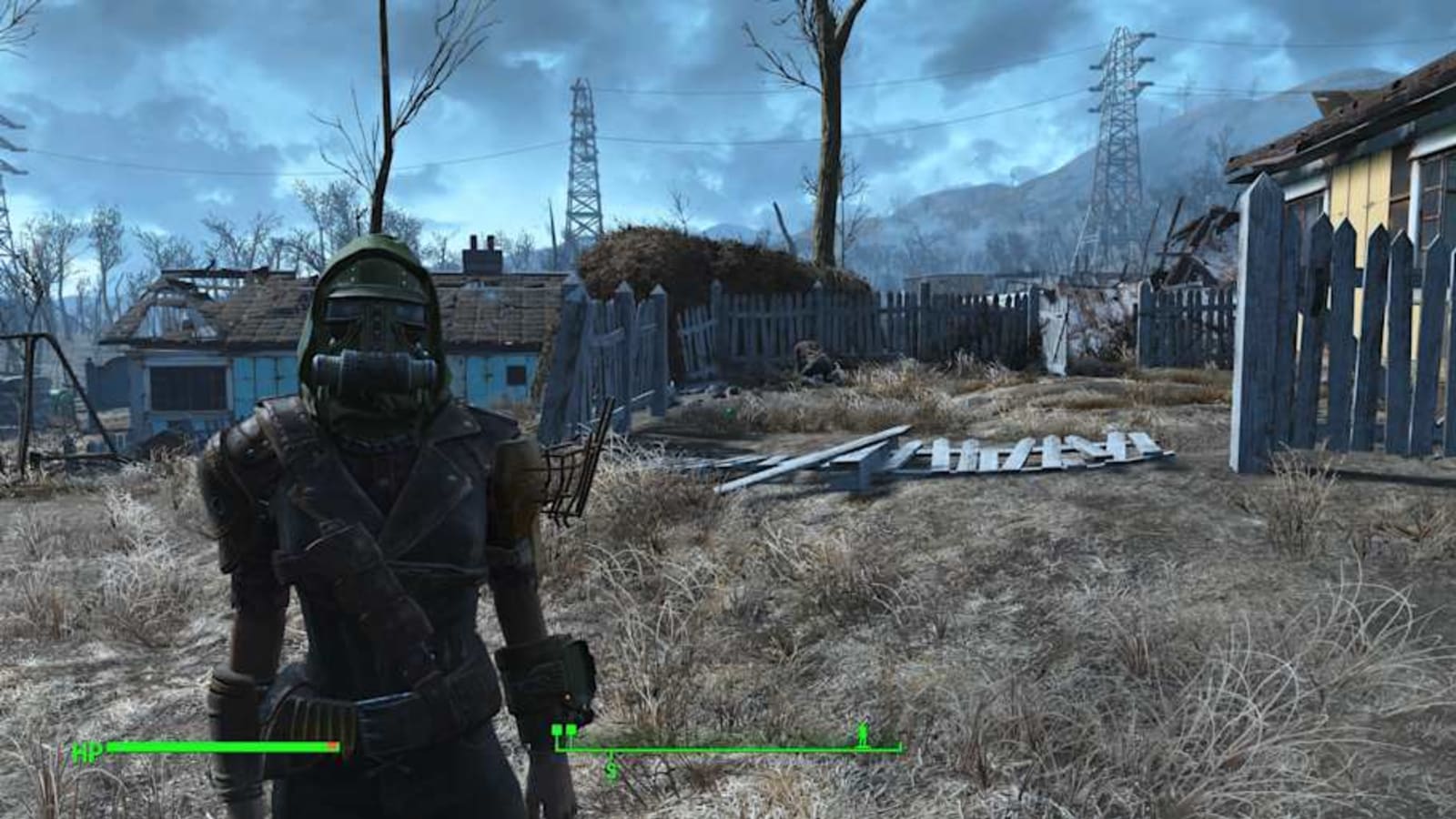
Fallout 4 is a classic Bethesda game, and if you found yourself a bit cold after Starfield, Fallout 4 should warm you back up to the idea of traversing the wasteland. There’s never been a better time to play either – the game is more popular than ever thanks to the recent Fallout TV show, and it just received brand new “next-gen” upgrades for PS5 and Xbox Series consoles. In this guide we’re breaking down how to turn on and off Performance Mode in Fallout 4, and what the best experience is for console players. Just scroll down below for everything you need to know. If you really are in the mood for more Fallout, you should know that Fallout 76 is now better than ever. To find the Performance Mode toggle in the next-gen version of Fallout 4, simply navigate to the Settings menu from the Pause screen, access Display, and then you will find Performance Mode in the list, with an on/off toggle next to it. It’s as simple as that – though your results experience may vary depending on what platform you’re using righ
More must-reads:
- Draymond Green admits he may not return to the Warriors
- Rams' Sean McVay shares update on Puka Nacua's rehab
- The 'Playoff debut scoring-record by team' quiz
Breaking News
Trending News








Customize Your Newsletter
 +
+




Get the latest news and rumors, customized to your favorite sports and teams. Emailed daily. Always free!
MY ACCOUNT
SUBSCRIBE
ADVERTISE
JOBS
FAQ
PRIVACY POLICY COOKIE POLICY CONTACT US
ABOUT YARDBARKER TERMS OF SERVICE


PRIVACY POLICY COOKIE POLICY CONTACT US
ABOUT YARDBARKER TERMS OF SERVICE
Copyright 2026 YB Media, LLC. All rights reserved.
By using this site, you agree to our Terms of Service and Privacy Policy.
This site is for entertainment purposes only.
There is no gambling offered on this site.
Gambling Problem? Call 1-800-Gambler.

By using this site, you agree to our Terms of Service and Privacy Policy.
This site is for entertainment purposes only.
There is no gambling offered on this site.
Gambling Problem? Call 1-800-Gambler.